
Lesson schedule
Set up the bell schedule, plan lessons and sync everything with the student diary.
Prosvita student information system
Teachers record grades, assign homework and track attendance. Students and parents instantly see the schedule, assignments and learning results.
Already using Prosvita? Sign in from your personal account.
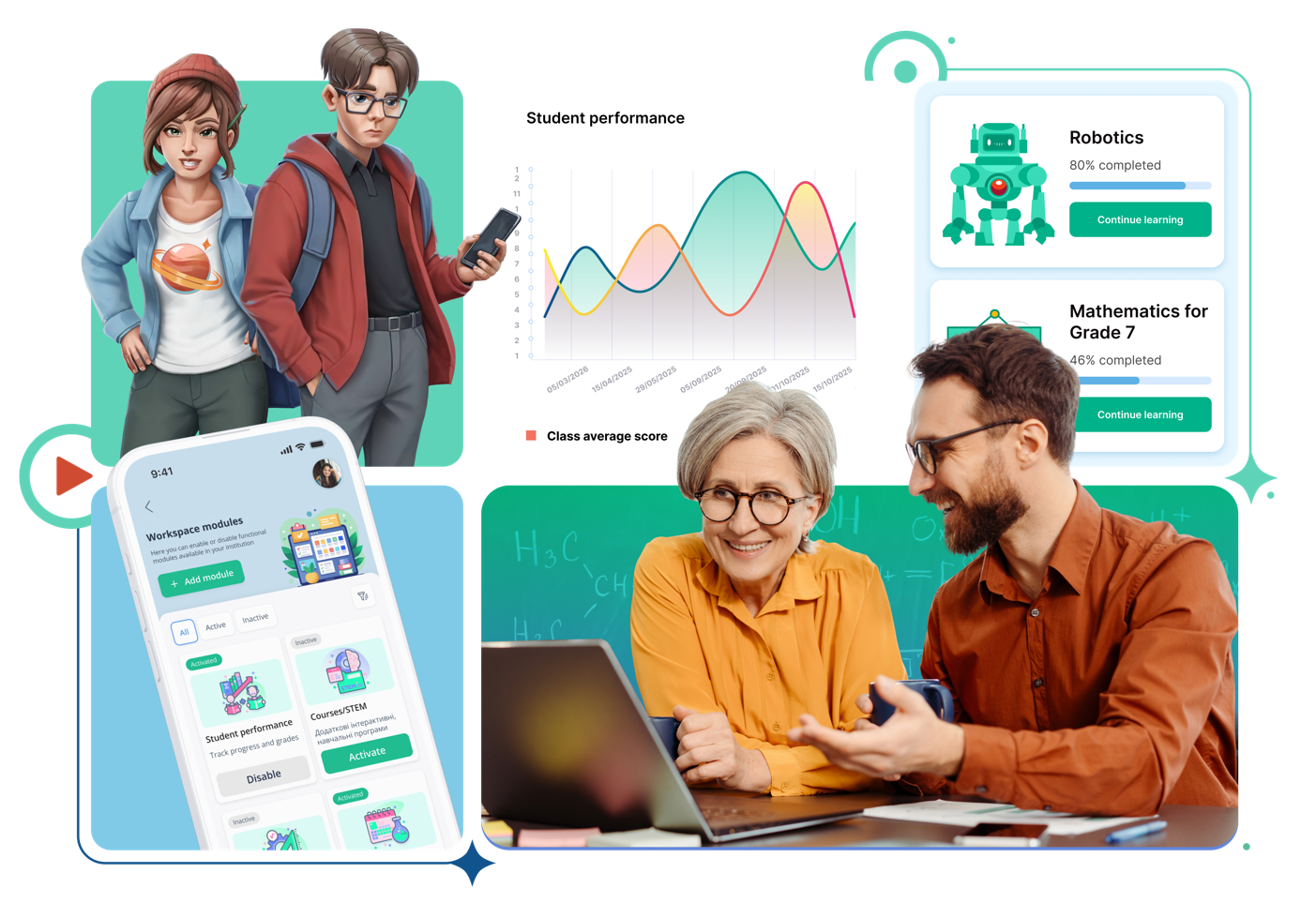
Prosvita platform features
Administration, teachers, students and parents work in one system — data from the register flows automatically into the student diary, reports and report cards.
Set up the bell schedule, plan lessons and sync everything with the student diary.
Create classes and subgroups, fill in student details, handle enrolment and expulsion, move students to the next grade automatically.
Automatic year close, attendance reporting, a paper version of the register in the ministry-approved format, class network, notes on register keeping.
Choose a grading system per class, set the data-editing period on the platform, define study terms, holidays and public holidays.
Records on students and parents, access to your class register, excursions, safety briefings, parent register.
Grading (12-point, level-based and formative systems), Zoom and Google Meet integration, choice of assessment type.
Create, edit and run tests directly on the platform.
Assign, monitor and review homework on the platform.
Schedule, grades, attendance and homework fill in automatically in one place.
Complete and submit work inside the platform and get the review result.
Zoom integration attaches the lesson link to the schedule and the student diary.
Chat with friends inside the platform and exchange stickers.
Quick help with step-by-step explanations of how the platform works.
A fox helper and an internal student rating based on activity on the platform.
Track your child's progress, attendance and homework 24/7.
Built-in chats with teachers and the class teacher on the platform, without third-party messengers.
The "Activity" report in the student and parent profile shows grades, homework and attendance for a chosen period.
Report cards are generated automatically from the teacher, student and parent profiles.
For existing users
Students, parents, teachers and administrators sign in through the single Prosvita account. Use the username and password your school provided.
Go to your personal accountOpen the login page.
Enter the username and password from your school.
Choose the class or section you need.
What schools say
Feedback from teachers, principals and administrators who already run the school register and student diary in Prosvita.
It's convenient for teachers and students to run lessons on the Prosvita platform. We mostly work with the register, the schedule and the class teacher's page. I would definitely recommend the platform to colleagues — it isn't hard to use.
We have been working with the platform for several years. I use the register, schedule, homework, students and teachers features. Reviewing homework is convenient — you immediately see all the new submissions from students. Thank you for your work.
We joined the platform this year. It's quite convenient to work with: we use the register, homework submissions and lesson comments. Intuitive interface, easy for the team to adapt. I recommend the platform to language schools.
We have worked with the platform since the start of the 2020 lockdown. The register is very convenient: you can upload files, add links to online lessons, assign and review homework. I recommend Prosvita to colleagues from neighbouring schools.
We worked in difficult conditions, but thanks to the constant support from the Prosvita team the work on the platform became much easier. The functionality is fully sufficient for organising the learning process well.
After de-occupation we were able to quickly resume learning together with the Prosvita platform. It's convenient to run online lessons and use the library. As an administrator I mostly work with the Reports tab, the student and teacher lists and the schedule.
The register is for teachers and administration: grades, attendance and reporting. In the diary, students and parents see the schedule, homework and results.
Go to dashboard.prosvita.net and enter the details your school issued. If you don't remember your password, contact your institution's administrator.
Yes. The platform is available in a browser and in the mobile app for Android and iOS.
Yes. The parent account shows grades, homework, attendance, schedule and school messages.
The Prosvita ecosystem
The student information system works together with the other Prosvita services — add whatever your institution needs.
Turns learning tasks into a story-driven game so students stay engaged and keep coming back to class.
Learn more →Schedule, grades and communication for teachers, students and parents on Android and iOS.
Get the app →Lead tracking, family communication and automation of new student admissions.
Explore the CRM →An AI assistant for preparing materials, reviewing work and learning analytics.
See how AI works →Onboarding for schools
Leave your contact details and the Prosvita team will show you the platform and help you plan the rollout.